Unicode vs legacy Hindi fonts
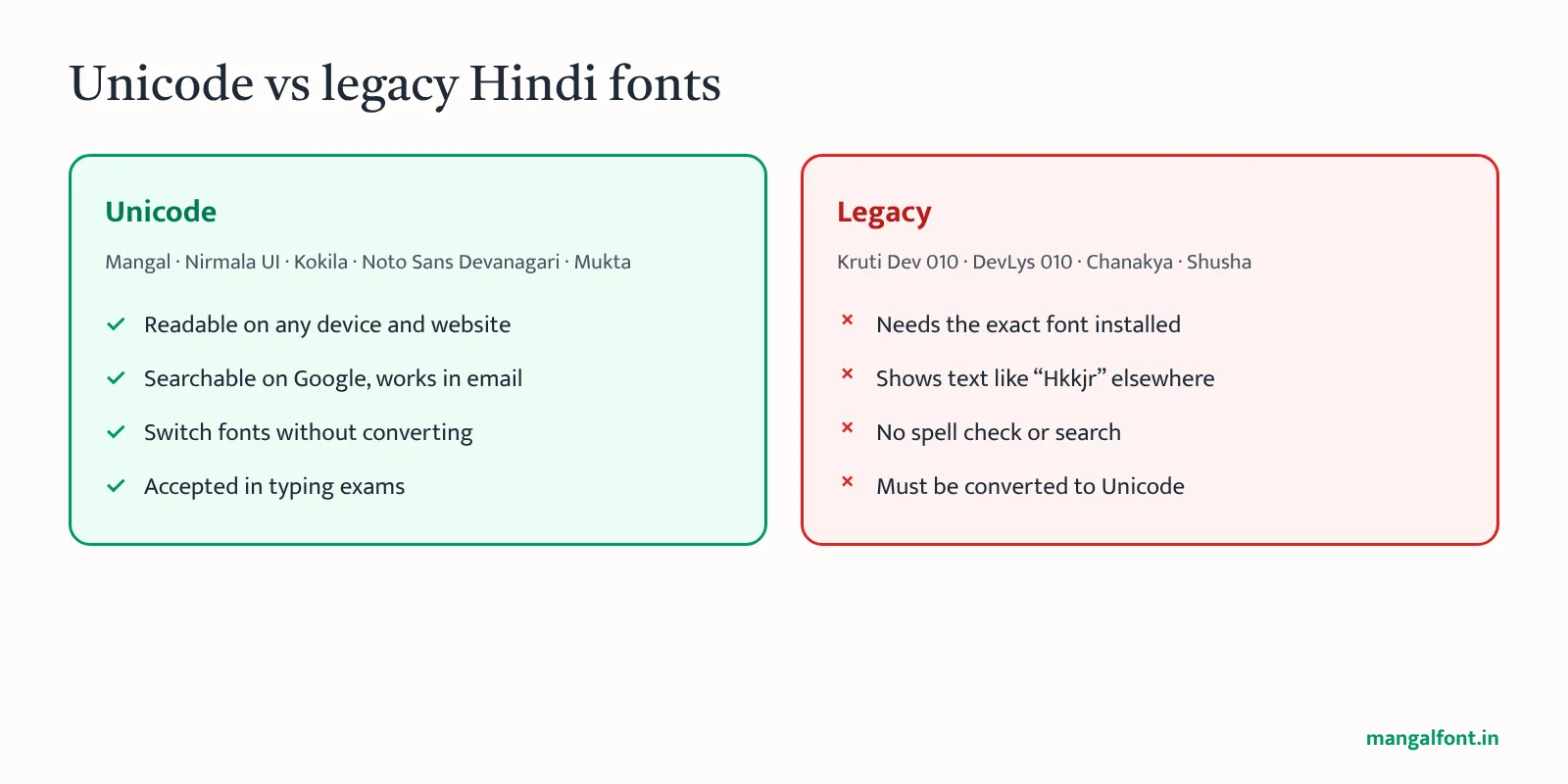
Every font below is Unicode, so text typed in one can be switched to another without conversion. Legacy fonts such as Kruti Dev, DevLys, Chanakya and Shusha are different: they need the exact font and a font converter to move to Unicode.
Hindi fonts included with Windows
| Font | Style | Notes |
|---|---|---|
| Mangal | Sans, classic office look | Most used in government documents. See Mangal font download. |
| Nirmala UI | Modern sans | Default Windows UI font for Indian scripts since Windows 8. Clean on screens. |
| Kokila | Serif, book style | Comfortable for long reading and printing. |
| Aparajita, Utsaah | Serif / sans | Part of Devanagari Supplemental Fonts with Mangal and Kokila. |
Free and open Hindi fonts (SIL Open Font License)
These can be downloaded free from Google Fonts and used in print, websites and apps.
| Font | Best for |
|---|---|
| Noto Sans Devanagari | Closest all-round alternative to Mangal, many weights |
| Noto Serif Devanagari | Books and formal print |
| Mukta | Websites and apps, very readable at small sizes |
| Hind | Interfaces and forms |
| Tiro Devanagari Hindi | Headings and editorial design |
| Poppins, Baloo 2, Kalam, Yatra One | Posters, social media and display text |
Website owners: do not upload Mangal as a web font; its Microsoft licence does not allow it. Use Noto Sans Devanagari or Mukta from Google Fonts. Your Hindi text is Unicode, so it stays the same.
Which Hindi font should I use?
- Government letters and notings: Mangal 12 or 14 (or whatever your department prescribes).
- Typing tests: the test software sets the font, usually Mangal. Practise with the Mangal font typing test.
- Printing a book or report: Kokila or Noto Serif Devanagari.
- Websites: Mukta or Noto Sans Devanagari.
- Old Kruti Dev files: convert them first with Kruti Dev to Mangal, then use any font above.